
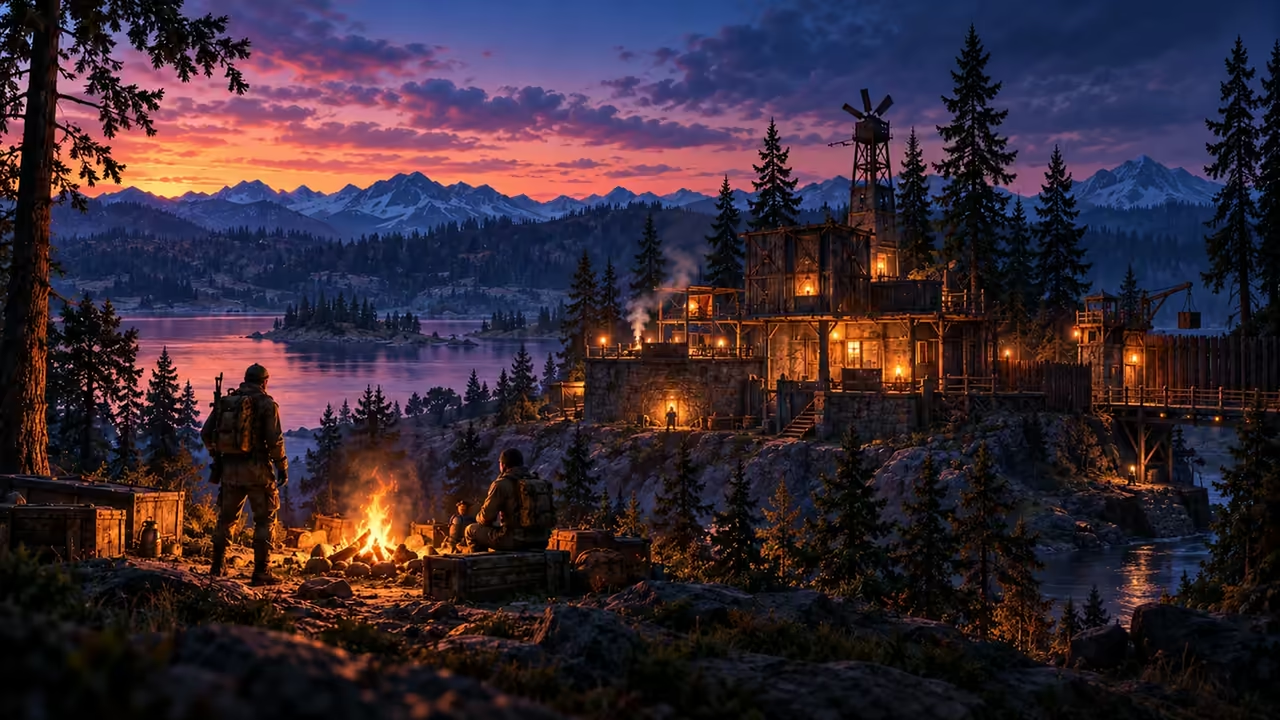
Save the story of your Rust roleplay town before wipe
Save the places and moments people will ask about next wipe. Make something they can browse even after the map and its signs are gone.
Choose the tour you would give a player next month
Maple Pier's steward picks the ferry steps, the market and the noticeboard. For each, choose a wide view that explains the location and a second view that shows a detail somebody remembers. The old noticeboard has a sign thanking players for saving the market. Ask the author whether to include it and how they want to be credited.
Capture before the teardown starts. Put the world name, wipe or season, in-game location and an approximate date alongside each image. Introduce the archive as a record of this town, so readers can tell which buildings belong to the old map.
Write captions that outlive the grid reference
Store one gallery link where people already follow town news. Keep individual image names simple enough for another steward to update.
| Image | Example caption |
|---|---|
| 01-ferry-steps | Maple Pier, spring wipe. Ferry departures moved here after the first storm-night event. |
| 02-market | Looking from the river entrance toward the public cloth stalls. The shutters closed after the final Saturday trade. |
| 03-noticeboard | Original thank-you sign after the market rebuild, shared with its author's permission. |
Review the album as a visitor
Facepunch's video FAQ discusses ownership of recordings. Ask your own community about names, signs and identifying chat before publishing the album. Crop a private message or use a cleaner angle if the picture would expose somebody who was merely passing by.
Ask a newcomer to open the link and tell you where the town started, what changed and when this season ended. Fix the order or captions if they need the stewards to fill in the story. Post the finished link beside your existing wipe announcement so returning players can find both the old town and the new join details.