

Your all-in-one Rust server manager
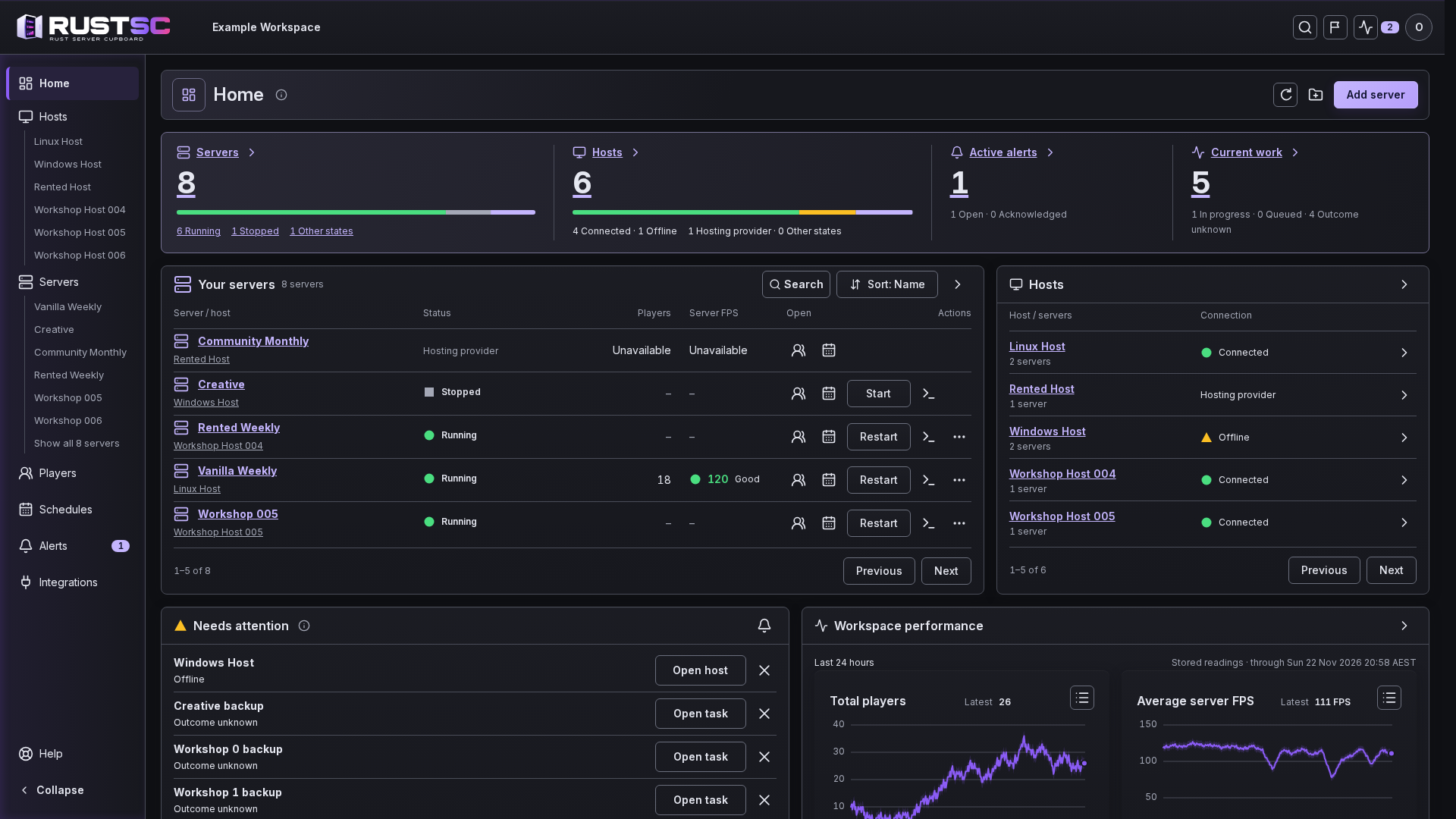
Whether you run one server or several across different hosts, RustSC puts them in one web portal. Manage players and plugins, schedule wipes and backups, and check server performance from anywhere.
Open beta is coming in early 2027
Get an email when open beta launches
Vanilla or modded
 Rust
 Oxide
 Carbon
What do you need to do on your server?
Track down a missing perk, find out why the game slowed down or set up a job you can leave to run. Open a tool to see how it works.
Automate maintenance

Track server health

Manage your community
Decide what wipe day changes
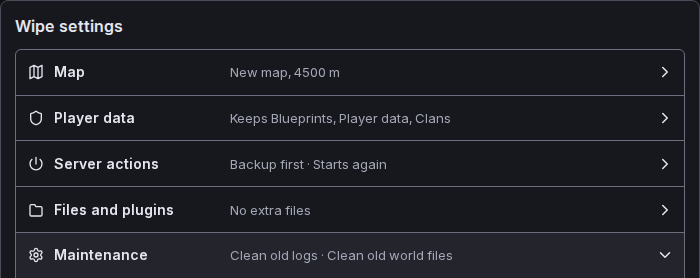
On a host you control, pick the date, next map and what to reset. Review it all before the wipe runs.

Pick the map
Choose a seed or use a custom map.
Choose what resets
Keep blueprints or clear them. Choose which plugin data goes with the old world.
Keep a way back
Keep a local backup before a wipe and preview what a restore will replace.
Check in from wherever you are
When someone reports a problem, open your browser to see who’s online, read the console and check alerts. Switch to another world or check the host it runs on.
Pine ValleyRunningConsole
[Player] Nova connected
[Player] Rook connected
[Chat] Rook: When is wipe day?
[Chat] Sam: Thursday at 8
Ready for your next command
Players
- NovaConnected
- RookConnected
Alerts
Check the host before its next backup.
Invite your admins and moderators into the portal
Give each person their own sign-in and a role that fits their job. When someone makes a change, you can see who did it in Activity.
Administrator
Let your lead admin manage the team and look after all your servers.
Moderator
Give a moderator access to handle players and bans on your weekly server while you look after the others.

Keep your servers where they run
Bring in a server you already run with its map, saves and settings in place. You choose when RustSC takes over each job.
A host you control
Connect a Windows or Linux host with one command. Saved schedules run on that host, even if it loses its internet connection.
See how setup worksA rented Rust server
Check your provider and what access you’ll need to connect through its hosting panel when the open beta starts.
Check my provider